
For sound designers and producers
Your samples. One prompt. Your own instrument.
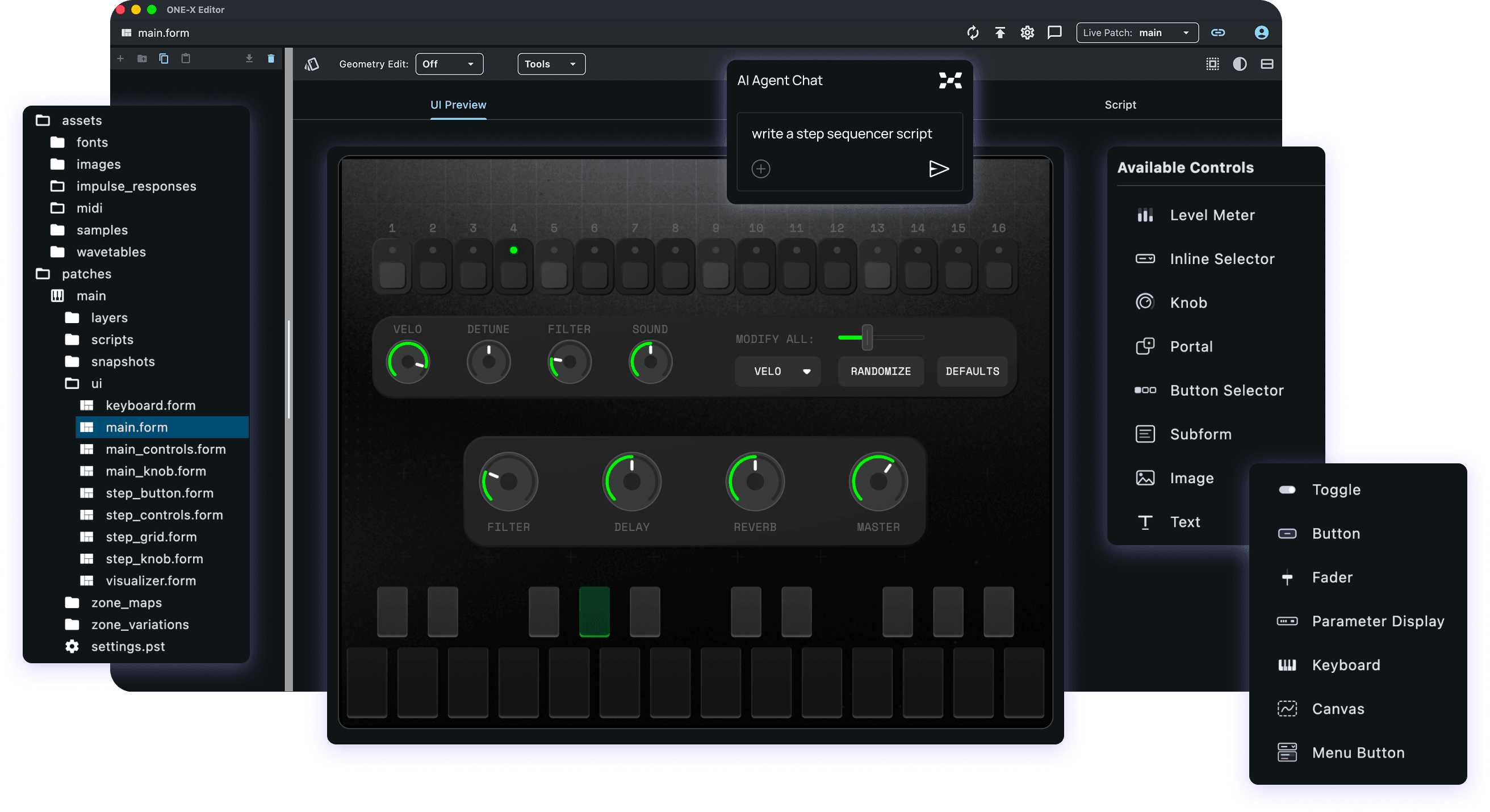
Drop your audio files into the ONE-X editor and describe what you want. The AI maps the samples and builds the interface, and you publish the finished instrument here in one click.
Free to join. Takes one click.
From audio files to a published instrument
Bring your samples
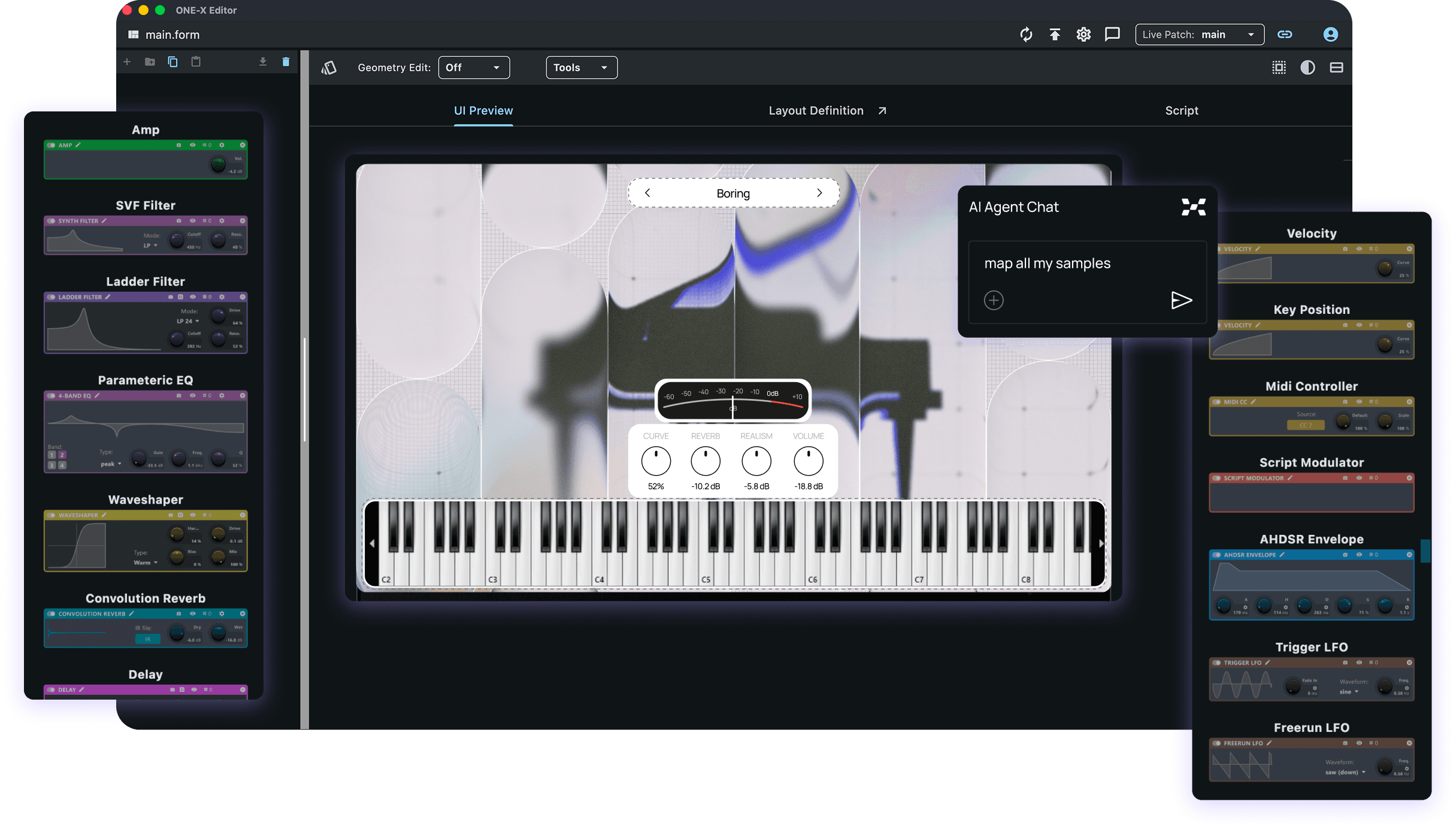
Drop your audio files into a new project. Consistent file names are enough: the AI works out notes and velocities on its own.
Describe it in one prompt
Tell the AI what you want. It maps the samples to the keyboard, writes the scripts and builds the interface. You fine-tune whatever you like.
Publish in one click
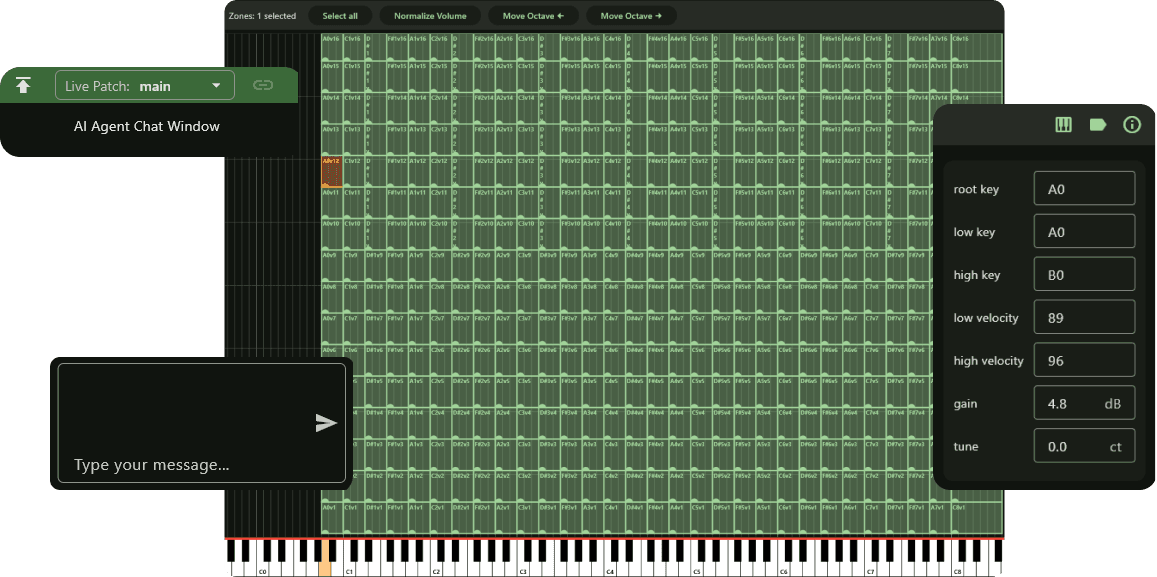
Hit Publish in the editor. Your instrument gets its own page here, with cover, demos and description, ready for every ONE-X user.
What authors get
- The ONE-X editor for Windows and macOS
- AI for sample mapping, scripting and interface design
- Publishing straight from the editor, no compiling or signing
- Your own author page and library listings
- Video tutorials and docs in the developer hub
- You pick the license and keep your rights